Y7 - SP2.5 - Introducing Software

Do It Now

Create a OneNote Page and copy this into the title:

Lesson 5 - Spring Term 2 - Introducing Software


Complete this quiz

Screenshot your result and paste it into the OneNote Page

Click for extension task

(1) Explain why solid state drives are less prone to malfunction than magnetic hard disk drives

(2) Explain why we even need secondary storage in the first place

🎯 Learning Objectives


  • LO1: Identify the different types of software used in a computer system.
  • LO2: Describe the roles of operating systems, application software, and utility software.

πŸ“– Everybody Reads

Introducing Software

  • Software is anything non-physical that runs on the computer
  • It requires the physical hardware of the computer in order to run it
  • Examples of software include operating systems (that run a computer), applications (apps) and utilities (that maintain the computer)
πŸ“– Everybody Reads

Programs

  • Any item of software is often called a program
  • For the CPU to be able to execute each instruction of a program it must be loaded into the primary memory
  • When not in use, programs are kept in the secondary storage (such as an Solid State Drive or a Hard Disk Drive)

Introducing Software - Mind Map Activity

πŸ“– Everybody Reads

  • We will now explore the different types of software
  • A computer system needs all of them in order to function effectively
πŸ’» Operating Systems

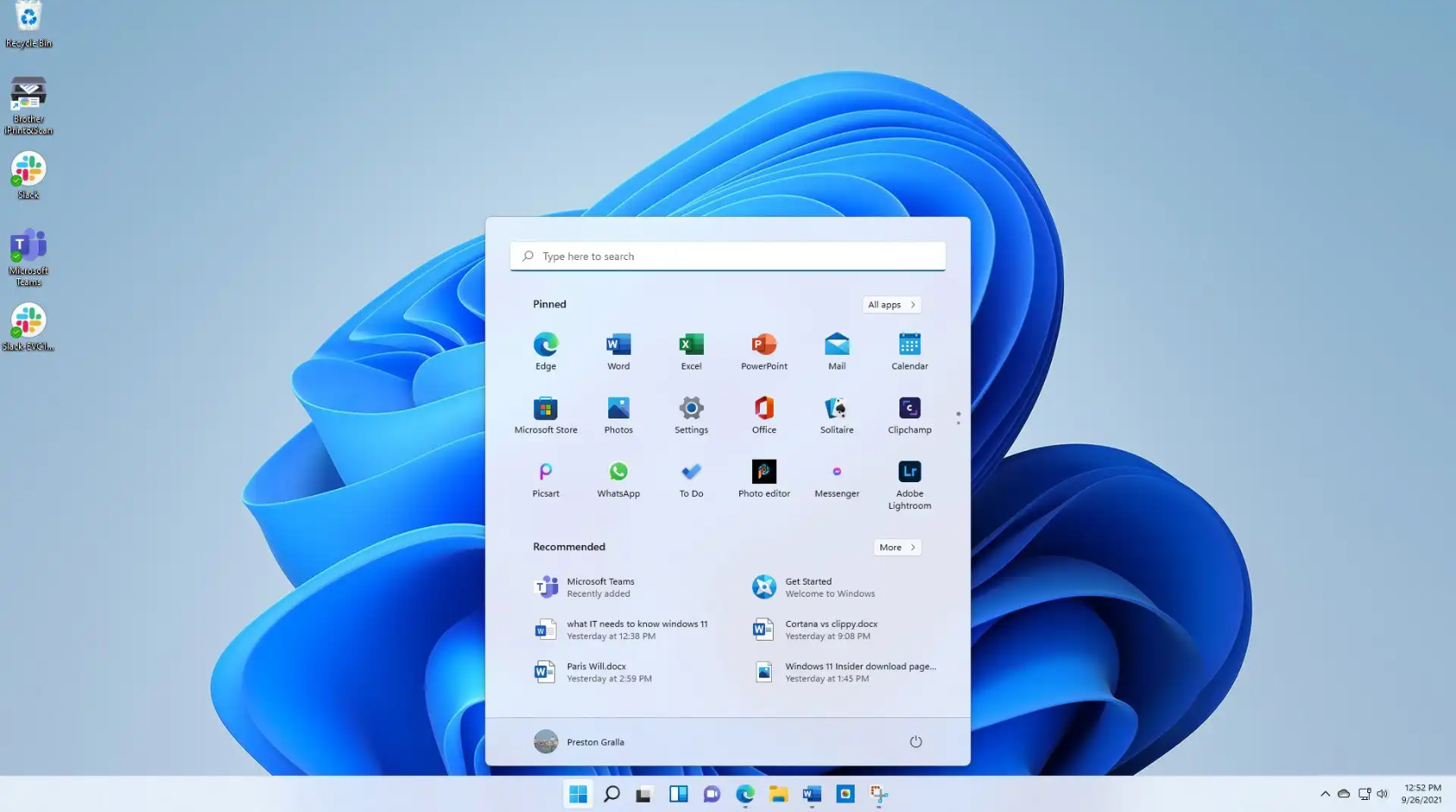
  • An Operating System (OS) is the most important piece of system software
  • It manages the computer’s hardware and allows other software to run
  • It provides a user interface so users can interact with the computer
  • Examples include Windows, macOS, Linux and Android
πŸ“– What Does an Operating System Do?

  • Provides a user interface so people can control the computer
  • Manages memory (RAM) and running programs
  • Controls hardware devices such as printers and keyboards
  • Handles file management so files can be stored and easily organised

πŸ§‘β€πŸ’» Application Software

  • Application software allows users to perform specific tasks
  • These programs run on top of the operating system
  • Examples include word processors, spreadsheets, web browsers and games
  • They are designed to help users complete real-world tasks

🧰 Utility Software

  • Utility software helps to maintain, manage and protect a computer system
  • They ensure the computer runs efficiently and securely
  • Examples include antivirus software, disk defragmenters and backup tools
  • Utilities support the operating system and keep the system healthy
Independent Task

Copy this into your OneNote Page and complete it

πŸ“ Independent Activity (Software Types)

Instructions:

  • Write a short definition for the following types of software:
      Operating System
      Application Software
      Utility Software
  • For each type, give two examples (for example: Windows, Microsoft Word, Antivirus software).
  • Explain why each type of software is important

Sentence Starters
  • An operating system is...
  • An example of an operating system is...
  • Application software is...
  • An example of application software is...
  • Utility software is...
  • An example of utility software is...
  • This type of software is important because...

Extension Challenge

Answer the following questions in full sentences:

  • Explain the difference between system software and application software.
  • Describe two tasks that an operating system performs.
  • Explain how a particular type ofutility software helps maintain a computer system.
  • A computer has application software installed but no operating system. Explain what would happen.

Slide Title

πŸ“ MWB Reflection Task

Open the mini-whiteboard app in a new tab

Your teacher will start with these leading questions:

  • What is the role of the operating system?
  • What are applications
  • Why do we need utility programs
β™Ώ